
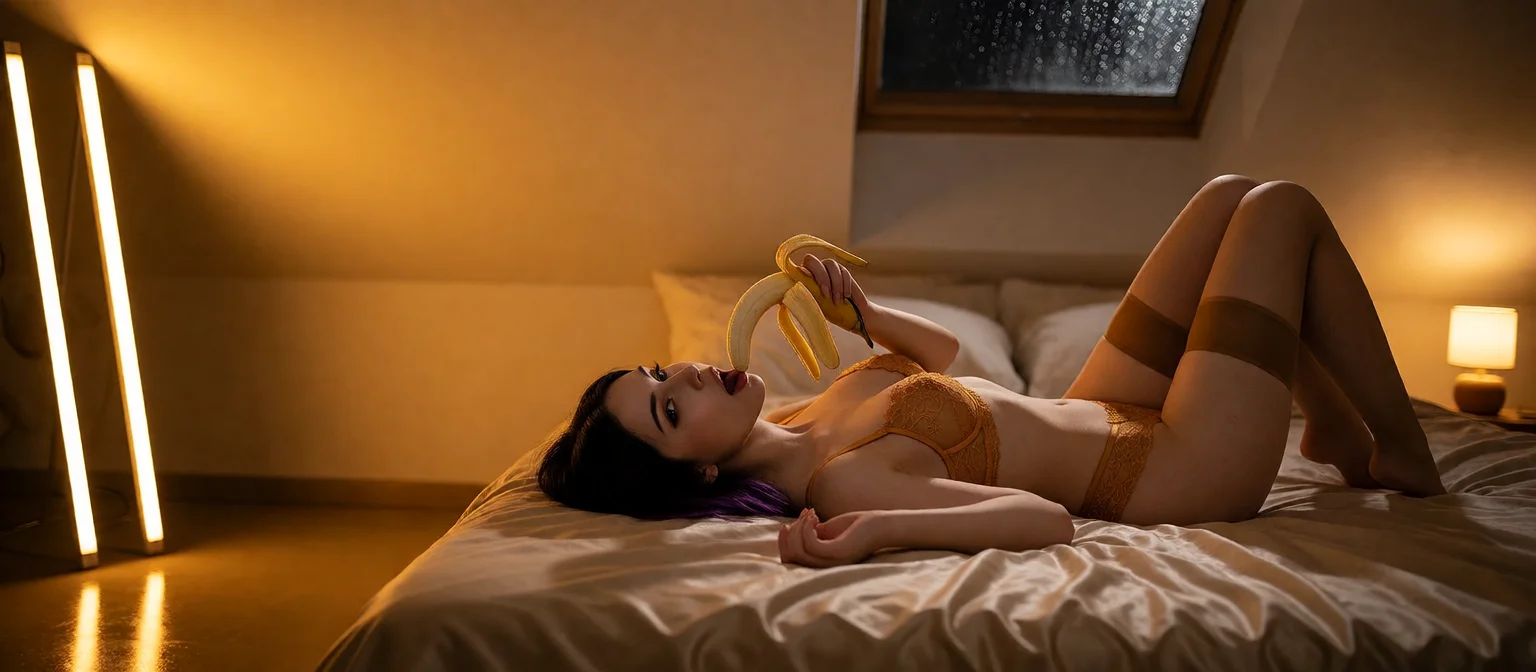
AI RP: Group Scenes, Voice and Photos Mid-Story
Where AI RP Usually Breaks, and What Fixes It
Most AI RP falls apart at the exact moment it's supposed to pay off. You spend a dozen messages building a premise and ask for the moment you've been setting up. Then the reply reads like the character just walked in. What happens at that wall is what separates a real roleplay app from a chatbot in a costume.
By AI RP I mean the adult version: a sustained scene with a persona, a premise and escalation, not a string of one-off prompts. That format tends to break in three places. First, the premise slips after enough turns. Second, the character steps out of herself and starts sounding like a help desk. And third, the story can only ever be words, so the payoff is a paragraph describing something you'd rather see.
> Roleplay isn't judged on the first message. It's judged on the one where you ask for the payoff.
GoLove.ai is the app this article walks through, because it handles all three in one thread. The same character stays consistent across chat, in-story photos, voice and short video, and memory keeps the premise from evaporating halfway through.
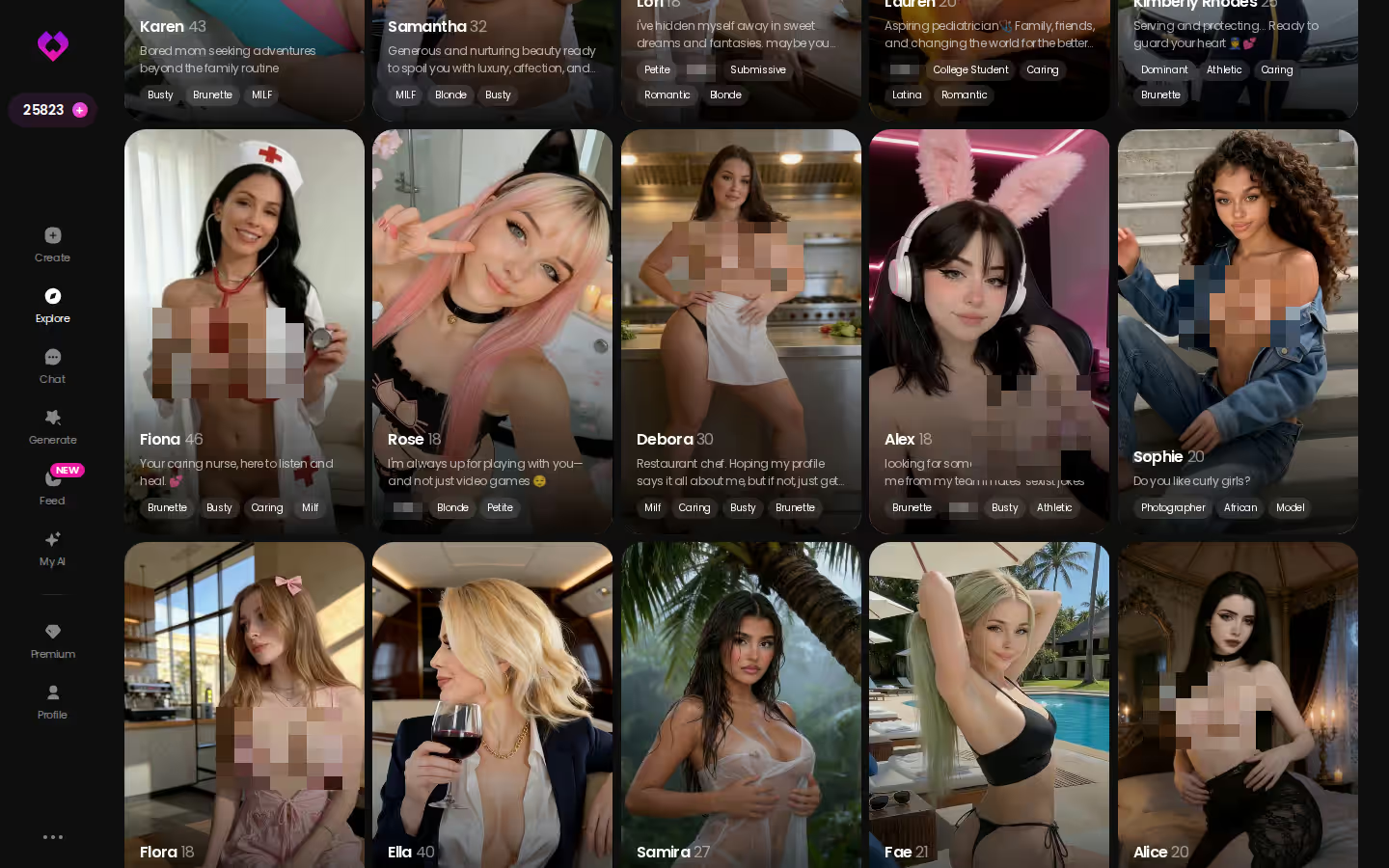
It starts on Explore. Every realistic character there opens straight into a chat, so your scene begins from a face instead of a blank prompt. A chatbot in a costume is still a chatbot, and the costume is usually the first thing to slip.

 Watch Popular Shows starring your
 favorite AI characters.
One Scene, One Thread: From Premise to Her Photo
The best thing GoLove does for roleplay is keep the whole arc, premise to payoff, inside one thread.
You open a character from Explore. Without an account her first photo is already visible, and the next one sits blurred behind Sign Up. From there it's five steps:
- Tune her before the first line. Open Chat Settings, pick her voice, then set the lust level (1 sweet → 5 unfiltered) and the response length (1 short → 5 rich). A slow burn at lust 2 and length 5 reads nothing like a lust-5, length-1 sprint.
- Write the premise: who she is to you, and where you are.
- Steer when she drifts. Rate an out-of-character reply 1–5 and regenerate it, or tap the magic-wand button for 3 suggested replies. Regenerating beats arguing with her.
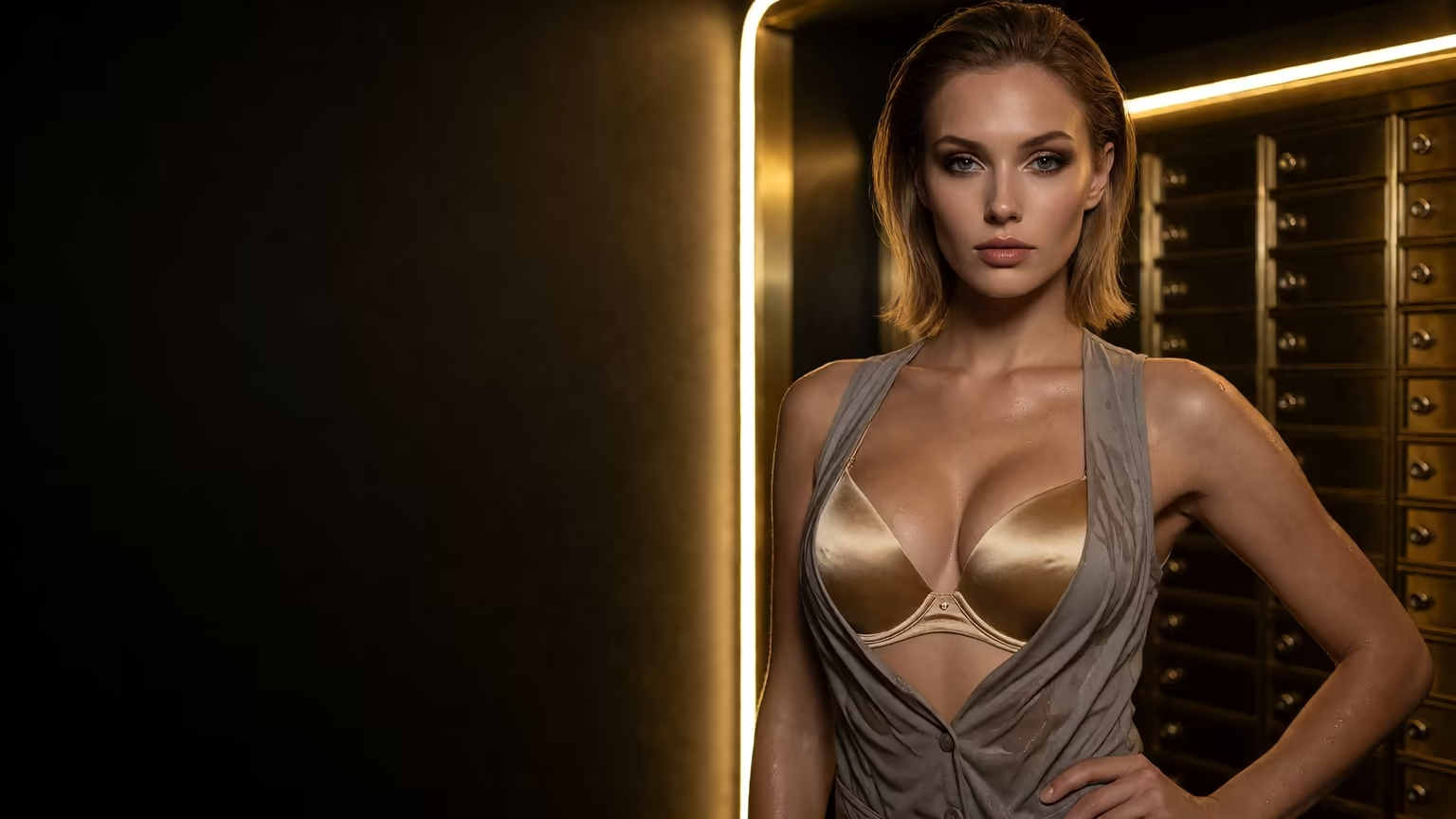
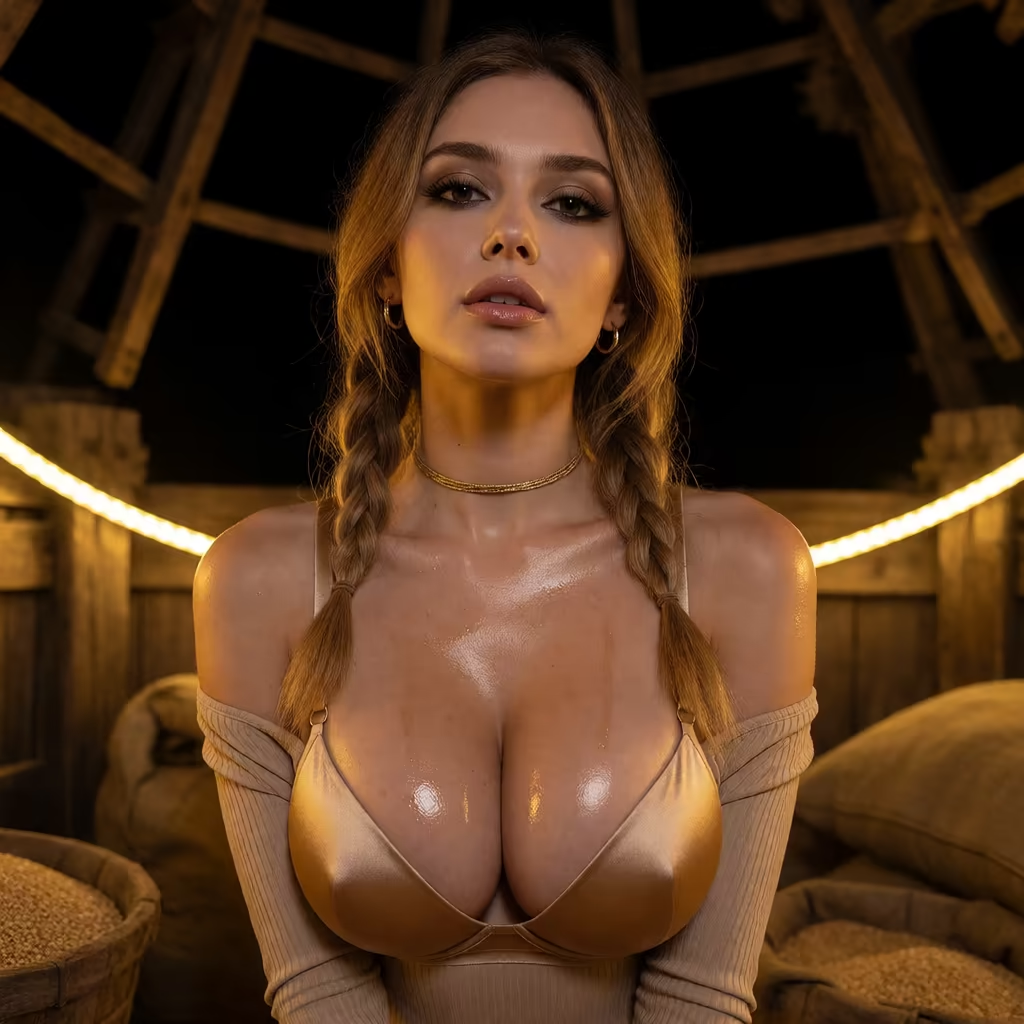
- Ask for the photo at the payoff. Press the media button → Send Photo and describe the scene in your own words. The same character arrives in roughly 20–45 seconds for 1 Star, with her face and body consistent with her avatar and earlier photos.
- Want motion? Under the photo, one tap on Generate Video gives a ~5 s clip of that same scene in about a minute (10 Stars).
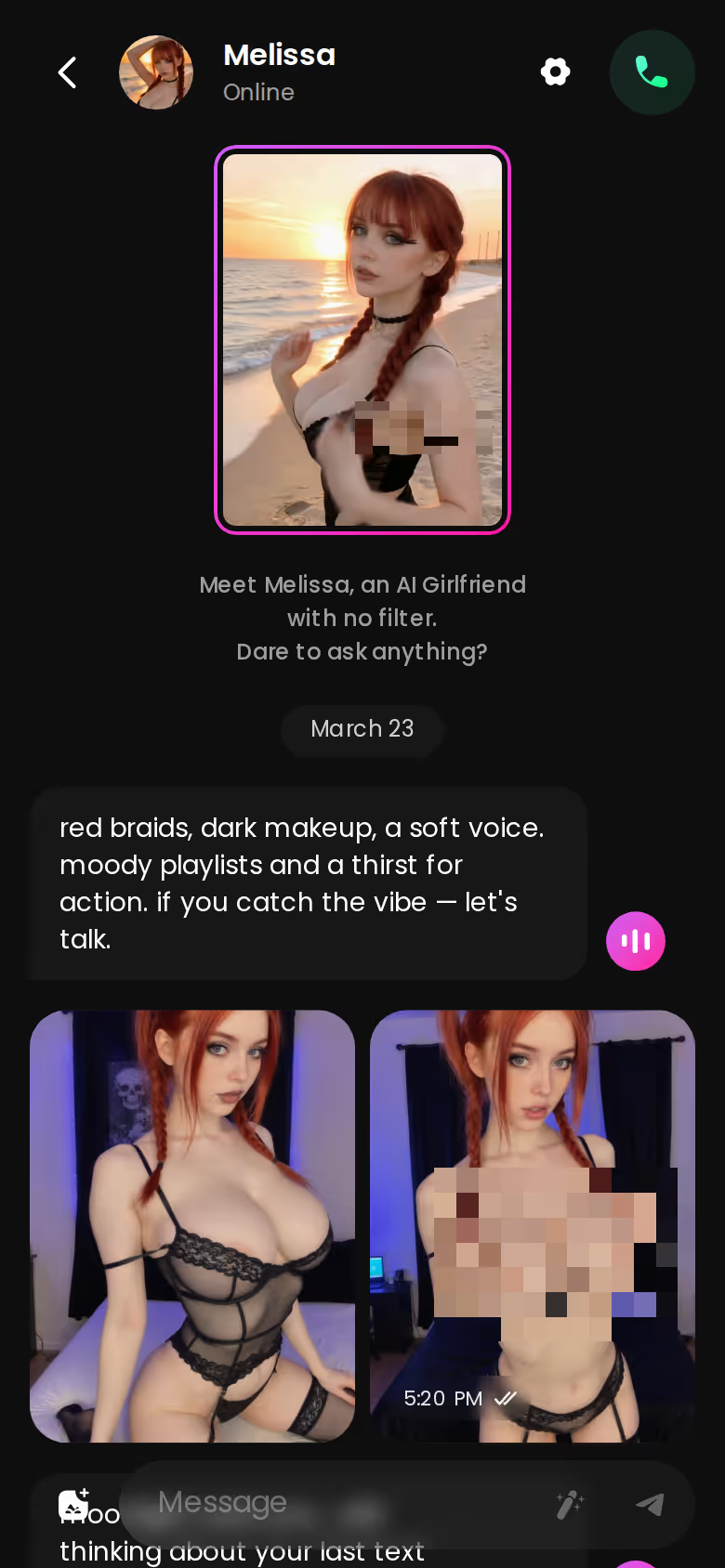
Step four is the clutch one. The photo isn't a lookalike stranger; it's her, mid-story. And because the chat opens without an account with her first photo already on screen, the cheapest way to judge this is to pick a face now and write two lines.
Scenarios: Group RP With 2 to 10 Characters
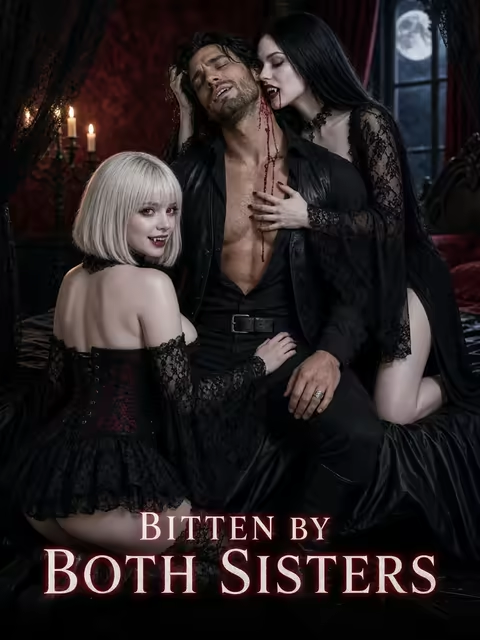
Scenarios is the feature I'd show anyone who grew up on tabletop games. A lot of classic roleplay was never one-on-one. It was ensemble play, and GoLove brings that format in as a group chat with 2 to 10 characters. Three things make it work as a scene rather than a crowded inbox:
 7 episodes
 5 episodes
 5 episodes
 5 episodes
 5 episodes
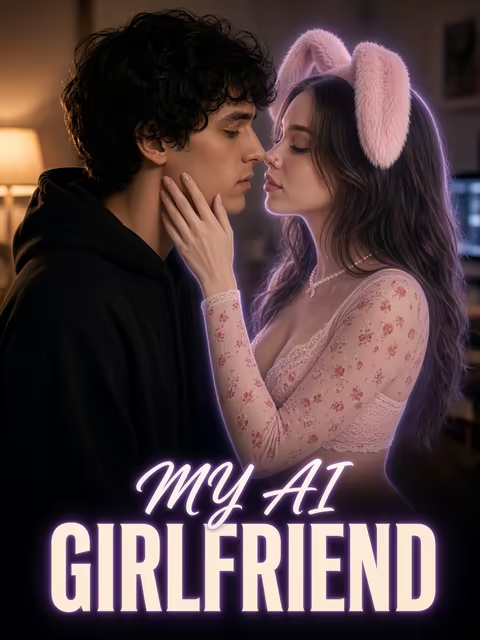 7 episodes
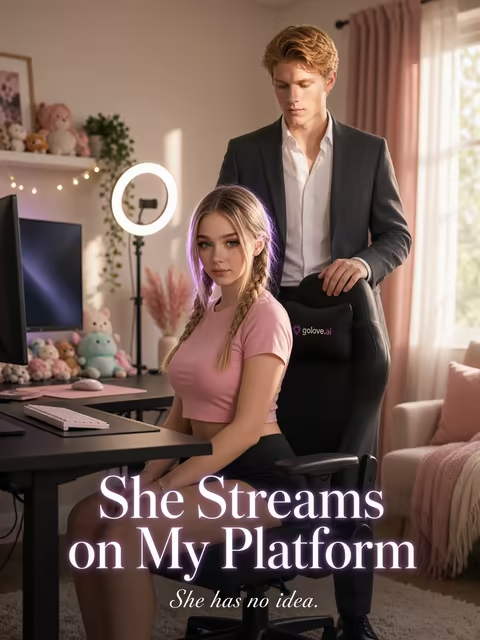 6 episodes
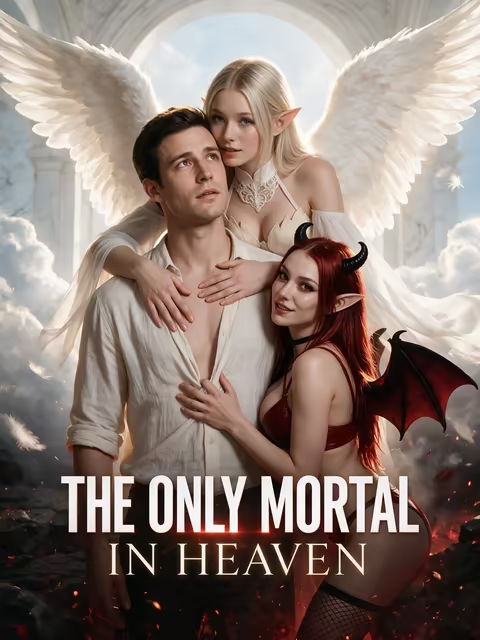 9 episodes






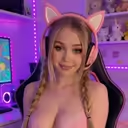
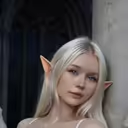

- Premise: write your own, or let the Random button write one for you. Each scene opens with welcome messages, so nobody starts cold.
- Voices: each character answers in her own voice, and Continue lets them carry the scene between themselves, in-story photos included.
- Visibility: private, unlisted or public, depending on whether the scene is just yours.
When the group deserves a picture, group photos put up to 3 characters together in one custom photo.
Can't find the cast you want on Explore? Design with AI takes up to 2,000 characters of description and, in about a minute, returns a named character with her own @handle, a bio and a portrait. New characters are Private by default. There's one casting limit to know: the gender filter covers Female and Trans, and Male is marked "Soon." That's a real gap if your story needs a mixed cast, so plan your ensemble around it for now.
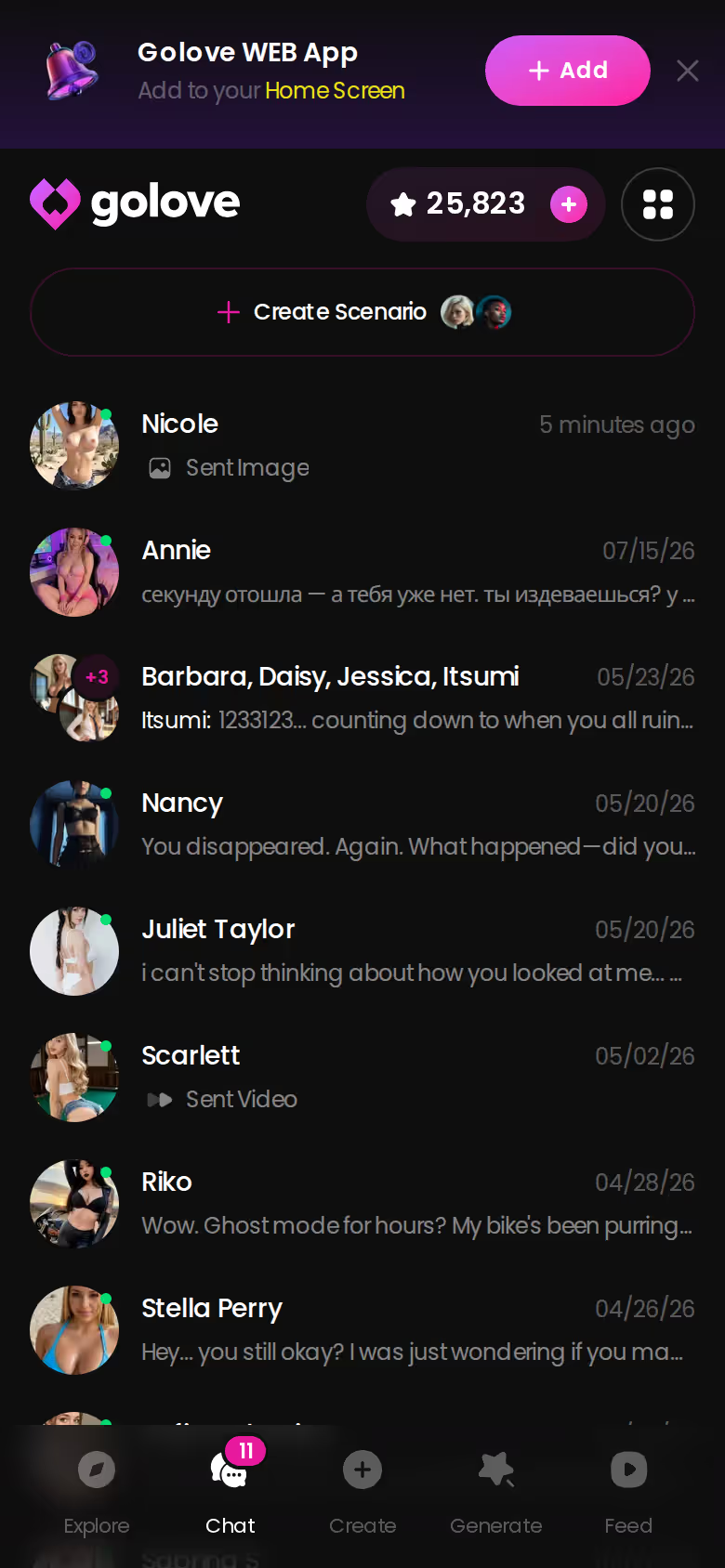
Every thread, solo or group, sits in one chat list with last-message previews, so getting back into a campaign takes one tap. Ten characters, one inbox. Your real group chats should be this tidy.
Characters you can open right now
Tap any of them and the chat starts there






When the Scene Outgrows the Chat Window
Video is the side dish here, not the main course. Still, some scenes want more than a five-second in-chat clip, and that's where the Video generator comes in. The mode you pick should match the moment.
> 147 video modes — 76 realistic, 20 anime, 35 trans and 16 anime-trans.
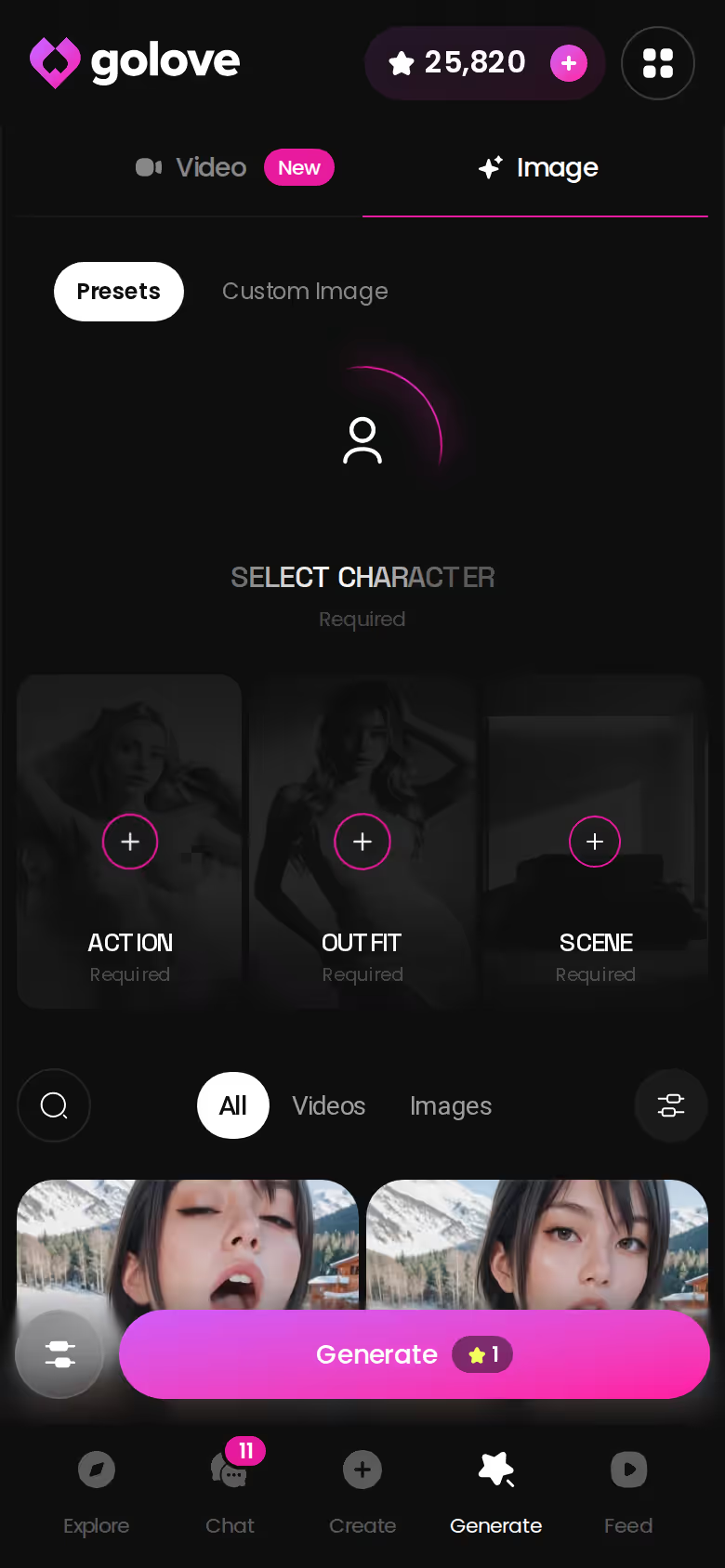
Presets are the fast lane: pick the character and an action, add an outfit and a scene if you like, and generate. Something like Twerk is a single card. Custom Video covers the scene in your head that doesn't match any card. You describe the clip yourself, and the screenshot shows the 720p/1080p choice and the duration setting. Beyond those two, Image to Video animates a still you already have, Extend Video keeps a clip going, and Multi-Scene strings several beats together.
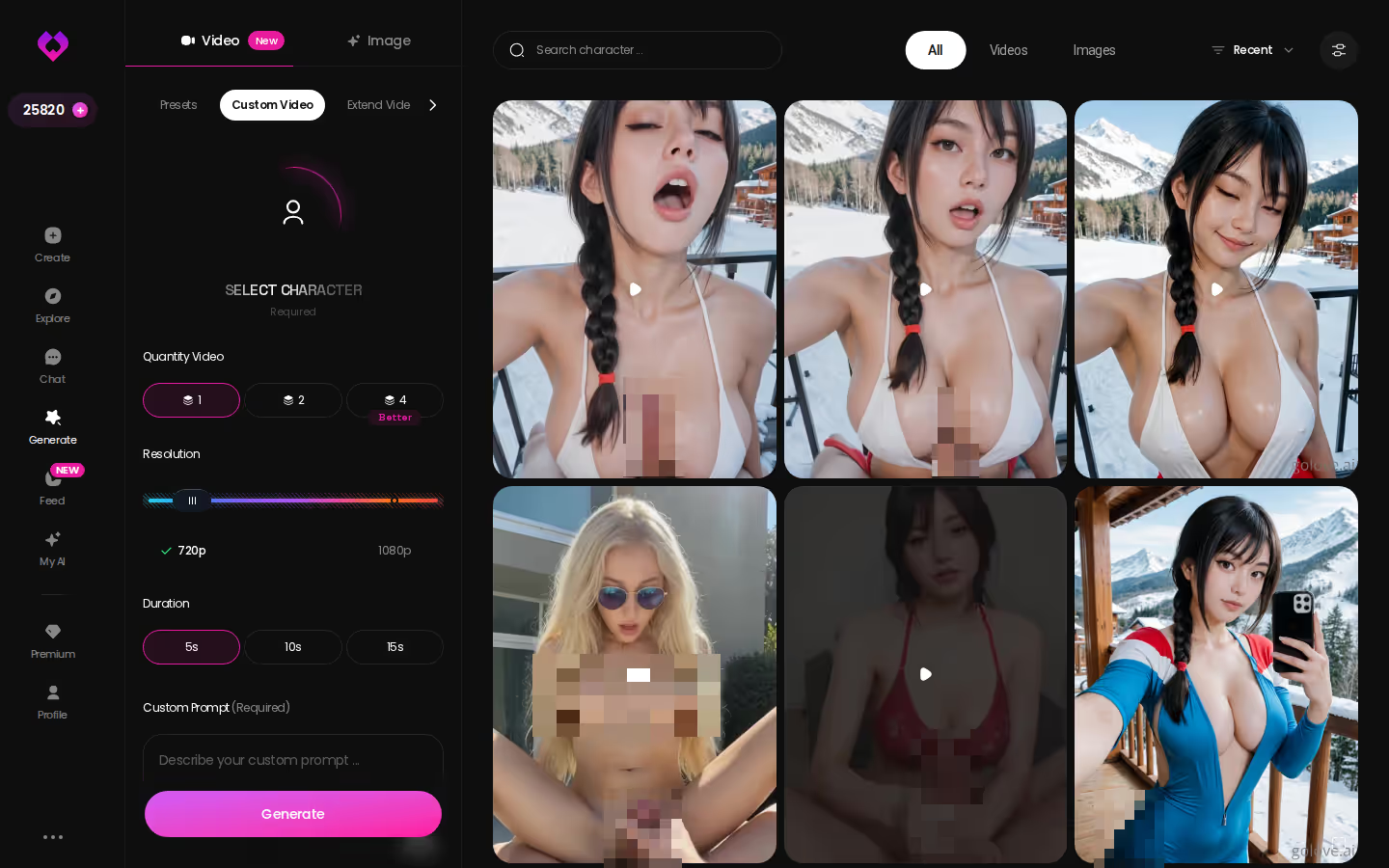
A run gives you 1, 2 or 4 videos at 480p, 720p or 1080p, and a 720p video costs 10 Stars.
On GoLove.ai, the order that works:
- Pick a character — or build one to your taste
- Say something real: she remembers your chat history
- Open Chat Settings: pick her voice, lust level and reply length
- Ask her for a photo in the chat
- Want a set pose or outfit? The image generator has 35 realistic poses and 21 outfits
The Feed adds a shortcut. Remix on any clip opens the generator with that clip's character, action, outfit and scene already set, so you can take a stranger's scene and rework it with your own character. "Stealing" is a strong word. Call it fan fiction.
What a Long-Running RP Costs: GoLove.ai and OurDream
Short answer: the entry price is the same on both apps. Where they split is how you pay for what happens inside the scene.
ASK HER FOR PHOTOS
She sends them right there in the chat.
| | GoLove.ai | OurDream |
|---|---|---| | Entry plan | PRO, about $19.99/month | Premium, from about $19.99/month | | Annual | About $119.88/year | About $9.99/month billed annually ($119.88/year) | | Upper tier | ULTRA, about $59.99/month or $359.88/year | Deluxe, about $59.99/month (≈$29.99/month annual) | | What's included | 100 Stars/month, all NSFW content, character creation, voice messages and calls, unlimited Feed | Chat, image and video generation bundled in one subscription | | How generation is paid | Stars (1 Star = 1 image) | DreamCoins (1,000 per cycle on Premium) cover images, voice and video | | Group/multi-character chat | Scenarios, 2–10 characters | Not confirmed | | App access | Web, with mobile Explore/Chat/Create/Generate/Feed tabs | Web-only, no native mobile app |
GoLove figures were checked in October 2026 and OurDream figures in September 2026. Both vary by region and promo. New GoLove users also see a limited-time −70% banner on their first subscription.
To be fair to OurDream: it bundles chat, image and video in one subscription at the same entry price. If you'd rather not juggle a second currency, that's a real strength.
Do I need PRO for voice in a roleplay? Yes. Voice messages and calls are PRO features.
For how other apps handle explicit turns, see our roundup of uncensored chatbots and what each one allows. Same price on the sticker, different math once the scene gets going.
| What you get | GoLove.ai |
|---|---|
| Voice | Live calls and voice messages |
| Memory | Remembers your chat history |
| Photos in chat | On request |
| Image generator | 35 realistic poses & 21 outfits |
| Daily reward stars | 2 every day |
What We Couldn't Verify at GoLove.ai
Picking GoLove means trading OurDream's single bundled balance for in-thread continuity. Here's what holds up and what we couldn't pin down.
What holds up
- Continuity: photo and video requests inside the thread, with a consistent face
- Tone sliders for lust level and response length, five steps each
- Scenarios with 2–10 characters
- 2 free reward Stars every day
What we couldn't confirm
- Memory depth on PRO: we could not confirm how many messages PRO memory holds. ULTRA lists an 8,000-message smart memory, so very long campaigns may play differently by tier.
- What a free account can do beyond the 2 daily Stars and a limited daily Feed.
- How long the −70% new-user offer runs. We saw no deadline.
- Whether calls or voice messages cost Stars on top of PRO.
- Scale in Scenarios: we could only confirm a scene running with two characters, not a full 10-character scene over a long session.
- Generation is metered in Stars, so heavy photo and video RP costs more than the subscription alone.
- Male characters are marked "Soon," not available yet.
The PRO memory question is the one I'd most like answered, since memory is what long campaigns live on. Still, none of that touches the core loop: a premise, a consistent character, and a photo of her when the story gets there. That part holds up, and it's the part RP lives or dies on. Everything else on the list is a budgeting question, not a "does the scene hold" question.
and watch their story unfold.View Character
How I'd Start Your First Scene
Start with one character and earn your way to a group. Five steps, in the order I'd take them if you're starting today:
- Pick one character. Browse Explore. If nobody fits, Design with AI builds her from a description.
- Set the dials before line one. Lust level and response length shape the whole scene. Changing them mid-scene is like recasting halfway through act two.
- Write a two-sentence premise: who she is to you, and where you are.
- Hold the photo request until the story earns it. Send Photo lands harder with a scene behind it.
- Add a second character in Scenarios only once the first scene holds.
If you want chat, image and video under one bundled subscription and don't need a mobile app, OurDream is a fair pick. For AI RP where the payoff is the same character showing up in photos, a short clip and a voice call inside the scene, my pick is GoLove.ai, because of that in-thread continuity.
Design with AI turns a paragraph into a named character with a portrait in about a minute. And she starts Private, so nobody sees the draft but you.
Related Articles
NSFW Uncensored: Chat, Photos and Video in One Thread
NSFW uncensored chat is easy to find; one that remembers is not — GoLove.ai wins on memory and in-chat photos. See the lust slider, video and pricing.
Tifa AI: The Archetype, 300+ Anime Girls and Photos
Tifa AI searches want a fighter-bartender who remembers you — GoLove.ai gets closest with 300+ anime girls and Design with AI. See how it works.
ChatGPT Unfiltered: What a Jailbreak Can't Hand You
Want ChatGPT unfiltered? GoLove.ai is the honest pick — in-chat photos of the same character, plus memory. Start in Explore — chat opens in one tap.
Uncensored AI Writer: Stories a Character Remembers
An uncensored AI writer that remembers you — GoLove.ai wins on memory and a 5-level response slider — then turns scenes into photos. See how.